Transparent monthly pricing for WhatsApp CRM means finance and sales can forecast costs before scaling the team. Yet most platforms hide per-seat multipliers, vague "message caps," or Enterprise-only features behind sales calls. Here's what true pricing transparency looks like in 2026.
What transparent WhatsApp CRM pricing must include

1. Clear monthly or annual plan cost
Published on the pricing page—not "contact us" for core features. Show what each plan includes: inbox seats, automation triggers, broadcast limits, integrations.
2. WhatsApp usage rates visible upfront
Link to Meta's official conversation pricing or publish your markup. Show template message cost vs service conversation cost. Let teams calculate estimated monthly WhatsApp spend before signup.
3. No surprise per-seat fees
If you charge per user, state it clearly with multiplier math (5 users × ₹3,000 = ₹15,000/month). Or use flat team pricing with seat limits spelled out.
4. Feature limits shown in-product
Broadcast contact caps, automation workflow limits, custom field counts—display these in the app before users hit the wall and face upgrade prompts mid-campaign.
5. Upgrade path clear before you commit
When you outgrow a plan, show the next tier cost and feature jump without requiring a sales call. Let teams decide if the upgrade fits budget or if they should compare alternatives.
Why hidden pricing hurts Indian SMBs
- Finance can't approve budgets when true monthly cost emerges after onboarding
- Sales teams hesitate to add users if each seat multiplies the bill unpredictably
- Mid-campaign upgrade pressure disrupts live broadcasts or follow-up sequences
- Annual commitments backfire when you discover Enterprise-only features halfway through
Common pricing traps in WhatsApp CRM platforms

Trap 1: "Starting at" pricing
Platform shows ₹1,999/month but doesn't mention that's for 1 user with 500 contacts. Real cost for 5 users and 5,000 contacts? Hidden behind signup.
Trap 2: WhatsApp credits sold separately
Plan fee looks low, but WhatsApp conversation packs (billed separately) double your monthly spend. Rates not published—you discover them on first invoice.
Trap 3: Enterprise-only core features
API access, webhook integrations, or advanced automation locked behind "contact sales." No public pricing, no way to self-serve upgrade.
Trap 4: Vague "message limits"
"Unlimited messages" sounds great until you hit the fine print: 10,000 service messages OR 1,000 template broadcasts per month—whichever comes first.
TechOne CRM transparent pricing model
Flat monthly plan + prepaid WhatsApp balance
TechOne CRM separates platform cost from WhatsApp usage. You pay a fixed monthly plan fee for CRM features (inbox, pipelines, automation, broadcasts), then top up prepaid WhatsApp balance as you send messages. No per-seat multiplier traps.
Pricing page shows everything
- Plan feature matrix (Starter, Growth, Pro, Enterprise) with exact INR costs
- WhatsApp rate calculator linking to Meta's official pricing
- Seat limits per plan (expand without per-seat fees on standard tiers)
- Automation, broadcast, integration features—no "contact sales" gates
In-app usage visibility
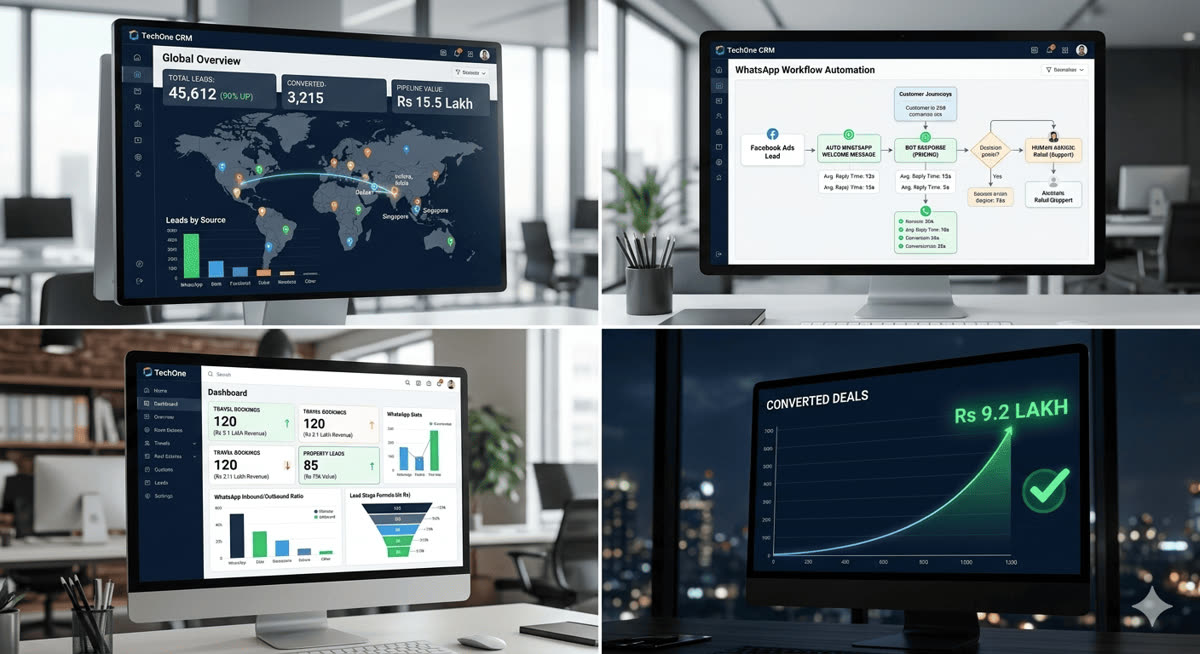
TechOne CRM dashboard displays current WhatsApp balance, monthly usage trends, and cost projections. Finance teams can review spend without chasing invoices or surprise add-ons.
Upgrade when you choose
Hitting broadcast contact limits? The platform shows the next plan cost and feature jump right in the UI. Upgrade self-service or stay on your current plan—no forced sales calls.
How to evaluate WhatsApp CRM pricing transparency
- Visit pricing page: Can you see plan costs, feature limits, and WhatsApp rates without signup?
- Calculate total monthly cost: Plan fee + estimated WhatsApp usage for your volume. If you can't do this math, pricing isn't transparent.
- Check Enterprise gates: Are API, webhooks, or automation locked behind "contact us"?
- Read terms: Look for hidden setup fees, onboarding charges, or annual commitment penalties
- Trial with real spend: Run 7 days, send broadcasts, use automation, check invoice breakdown
Why transparent pricing builds trust
When Indian SMBs can forecast WhatsApp CRM costs accurately, sales and finance align on tool adoption. Teams scale confidently, knowing monthly spend won't triple when they add users or campaigns. Transparent pricing removes the "contact sales" friction that slows decisions and breeds mistrust.
Compare TechOne CRM transparent pricing
See exact plan costs, WhatsApp rate calculator, and feature limits on our pricing page. No hidden fees, no Enterprise-only core features, no surprise invoices. Start a 7-day free trial to test with your real lead volume and team size—then decide with full cost visibility.