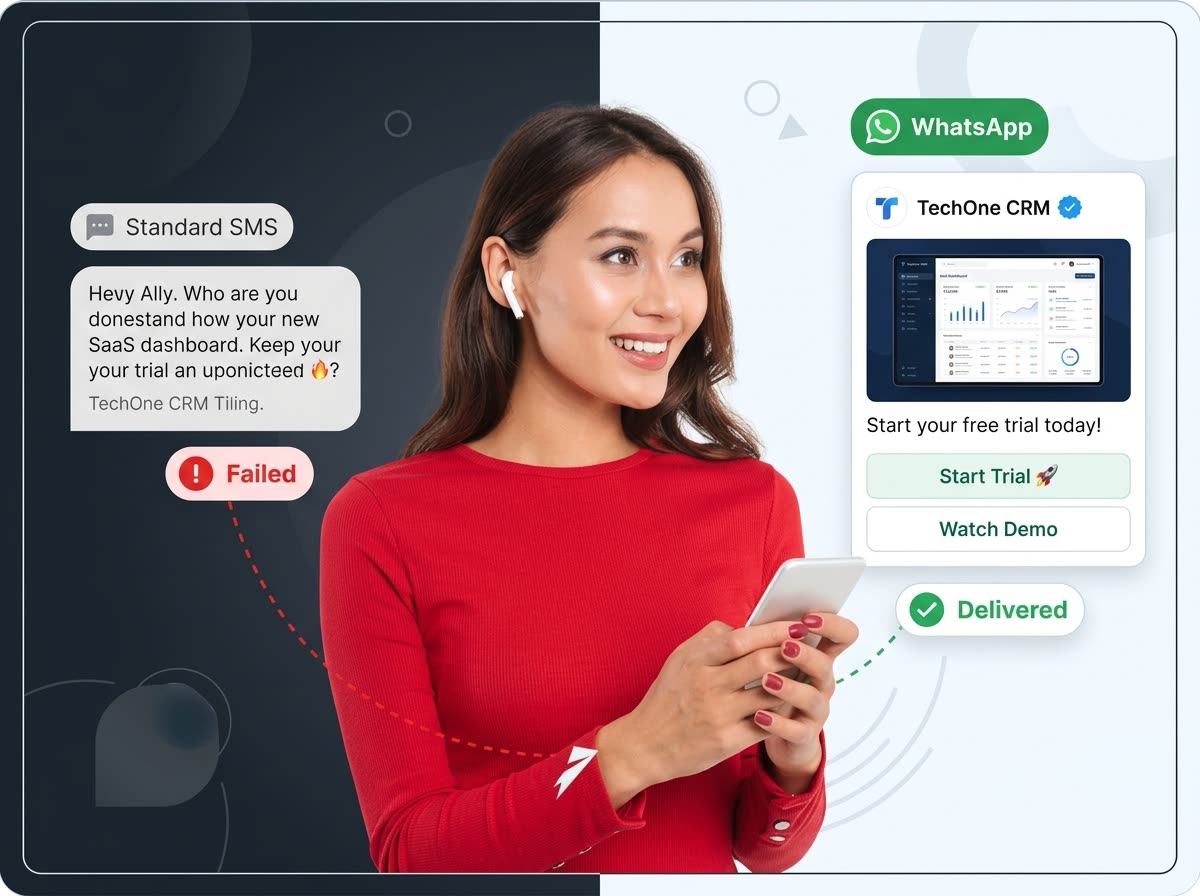
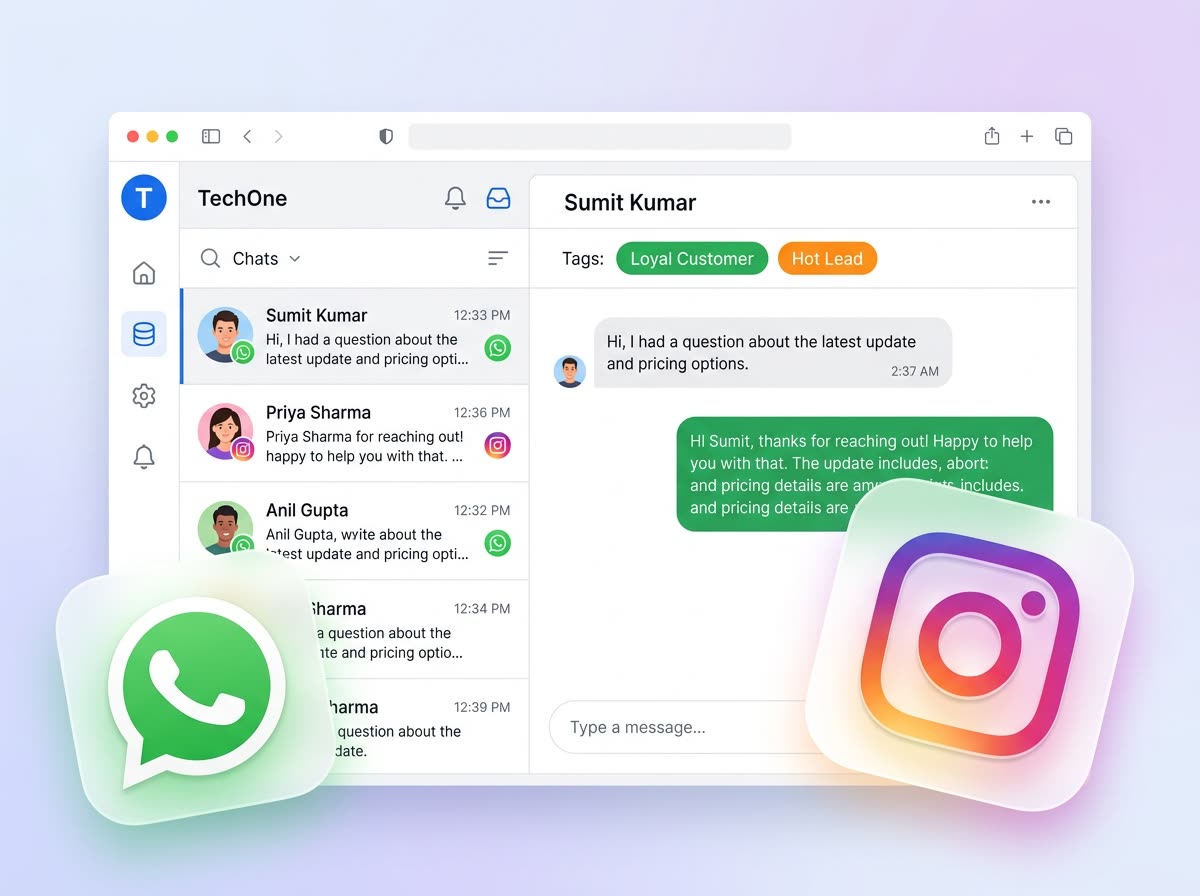
Switching CRMs fails when you cut WhatsApp before the new stack is ready. Migrate in parallel, then flip traffic with a short checklist.

Cutover plan
- Export contacts and open deals from your current tool
- Create matching pipeline stages in TechOne CRM
- Import leads and assign owners
- Approve Meta templates and map them to stages
- Run a 7–14 day parallel trial on a subset of leads
- Point new enquiries to TechOne, then retire the old inbox
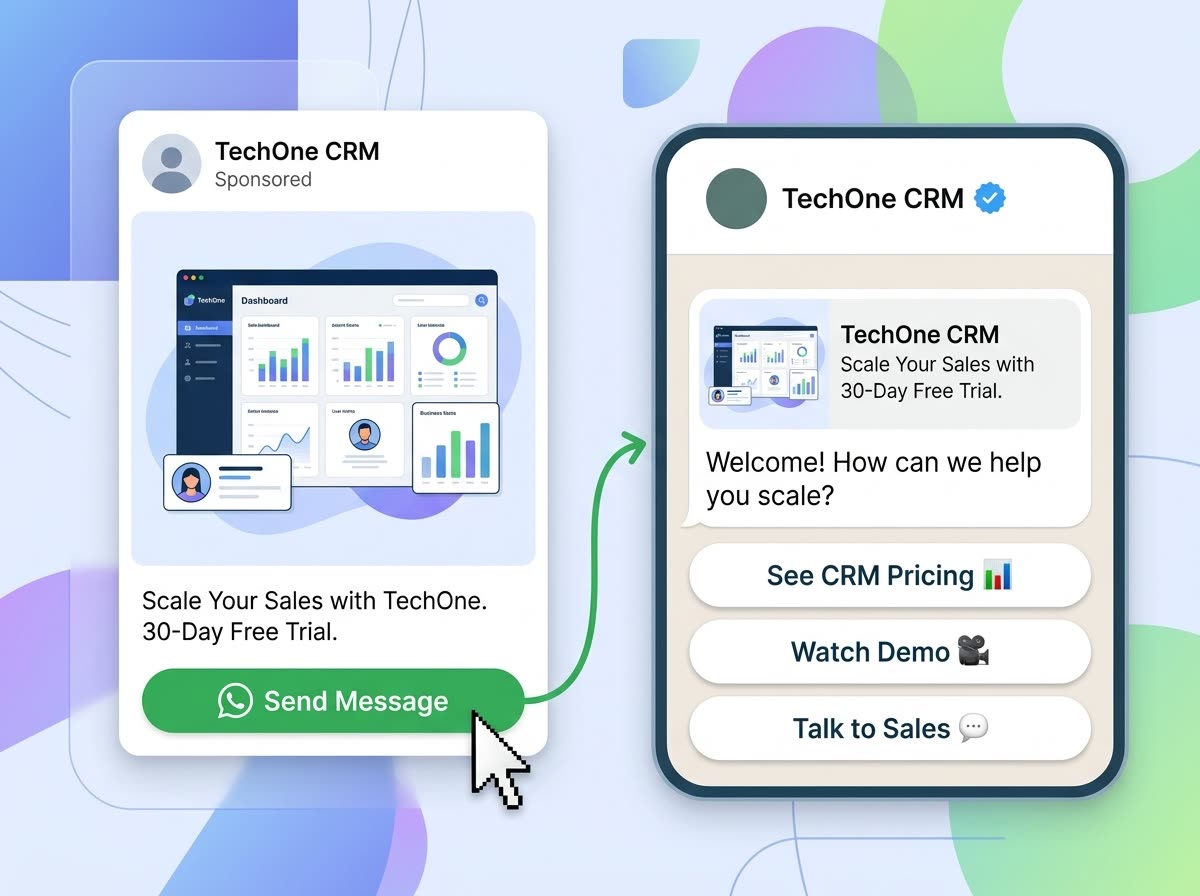
Keep ads and inbox safe
Meta Click-to-WhatsApp ads and Cloud API webhooks stay on their official paths. TechOne CRM Project API and campaigns message only the contacts you choose—they do not replace ad ingress.
Start your trial, import a sample list, and book an onboarding call if you want a guided cutover.